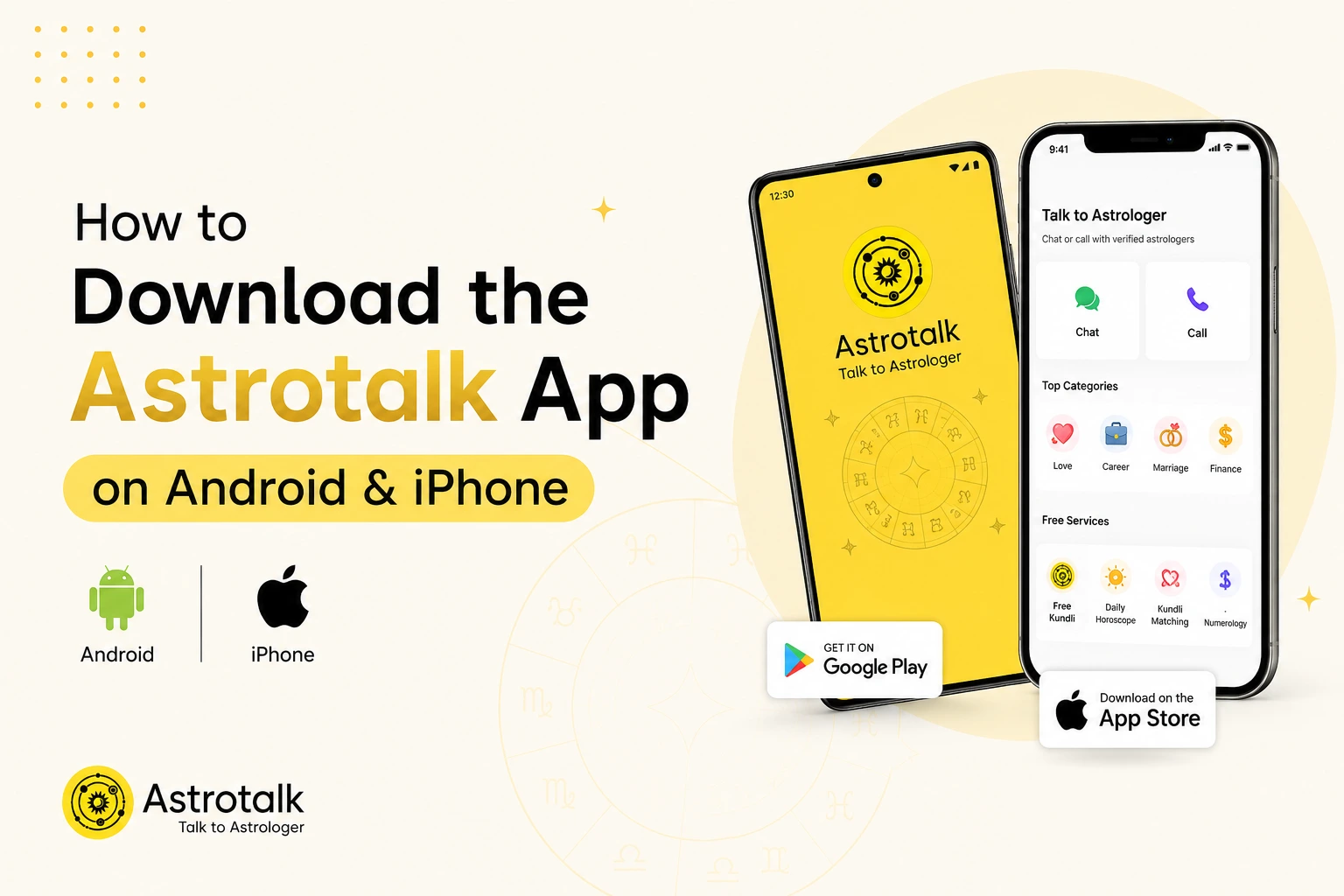
Astrotalk is an astrology platform that connects you with 50,000+ verified astrologers in 13+ languages who offer personalised guidance on love, career, marriage, finances, and more. The app lets you explore free tools like Kundli generation, Kundli matching, daily, weekly, monthly, and annual horoscopes, and astrology consultations through calls or chat. In this blog, you’ll learn how to download the Astrotalk app on Android and iOS, including installation steps.
Downloading the Astrotalk app onto an Android device is simple. Follow these steps to install it:
You can also download Astrotalk directly from Google Play
iPhone users can download it from the App Store by following these steps:
Important note: Astrotalk is currently unavailable for download on the Apple App Store. We’re working to restore its availability. Please check the App Store again for updates. Don’t download any unofficial iOS app files or use any unverified third-party links. However, you can visit the Astrotalk website to avail the call and chat services.
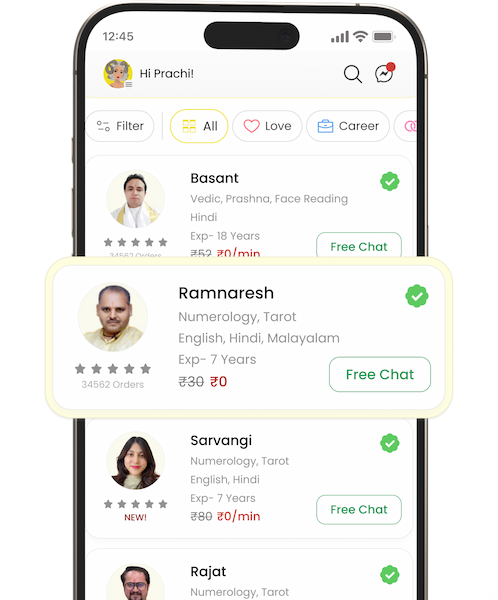
The Astrotalk app brings several astrological services together in one place. Here are some of the key features you can explore:
A. Yes, you can download the Astrotalk app for free on the Google Play Store or the Apple App Store by following simple steps.
A. If you come across any issue while downloading the Astrotalk application, you can simply reach out to the Astrotalk customer support team using the ‘Contact Us’ section on the website.
A. Yes, you can access many Astrotalk services directly through the official website, without installing the app. You can chat or talk with astrologers, check your horoscope, generate a free Kundli, explore Kundli matching, and try out other services.




Choose your and your partner's zodiac sign to check compatibility


2026 Astrotalk (Powered by Astrotalk Services Private Limited & Astrotalk Online Private Limited). All Rights Reserved